MCP Registry
The MCP Registry in API Control Plane provides a centralized catalog of MCP servers built on the Boomi Platform, imported from public registries, or registered by administrators. It enables organizations to discover, manage, and expose the tools available to AI agents built in Boomi or with third-party agent frameworks.
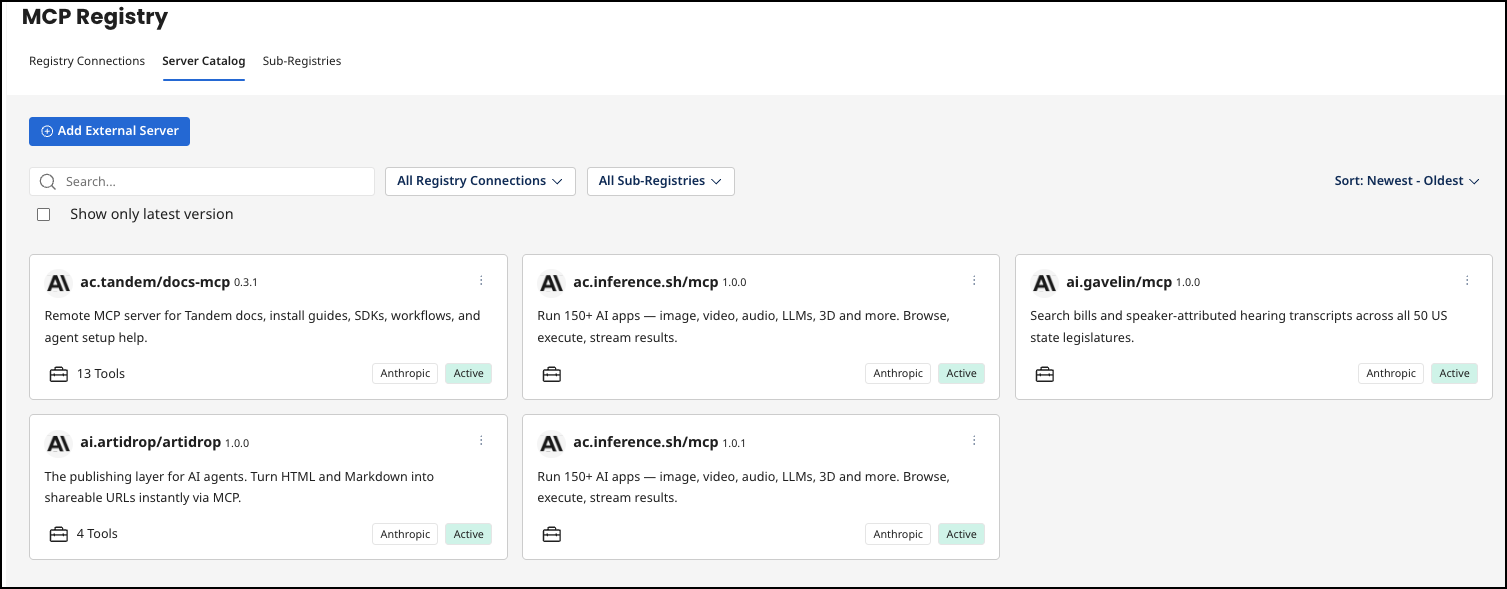
The MCP Registry contains the following:
- Registry Connections - By default, the Official MCP Registry (Anthropic) and Boomi MCP Registry are included. The Boomi MCP Registry contains MCP-enabled API Products. You can connect to any MCP Registry that follows the Anthropic official MCP Registry specification and import its MCP servers.
- Server Catalog - Your curated collection of MCP servers from the Official MCP Registry, Boomi MCP Registry, and any other MCP Registry added in Registry Connections.
- Sub-Registries - An organizational layer below the Server Catalog that contains your curated group of specific MCP servers. You can publish a sub-registry with its own MCP endpoint URL.
Prerequisites
-
Users must have access to API Control Plane to publish MCP servers. Only API Products owned by the account can be published to the Official MCP Registry.
-
API Products in API Control Plane must be MCP-enabled to display in the MCP Registry. If you have existing MCP-enabled API Products, you must manually re-enable them so that they display in the MCP Registry. To do this, go to API Products > Visibility for the API Product, toggle the Expose REST APIs as Tools off then on and select Save.
noteYou cannot expose GraphQL APIs as tools.

MCP Registry video
Explore MCP Registry in Agentstudio
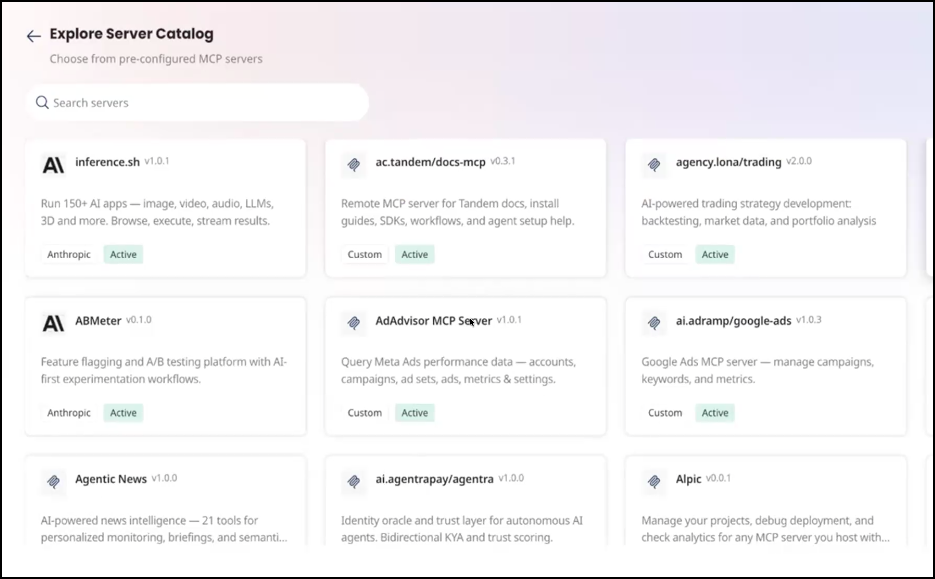
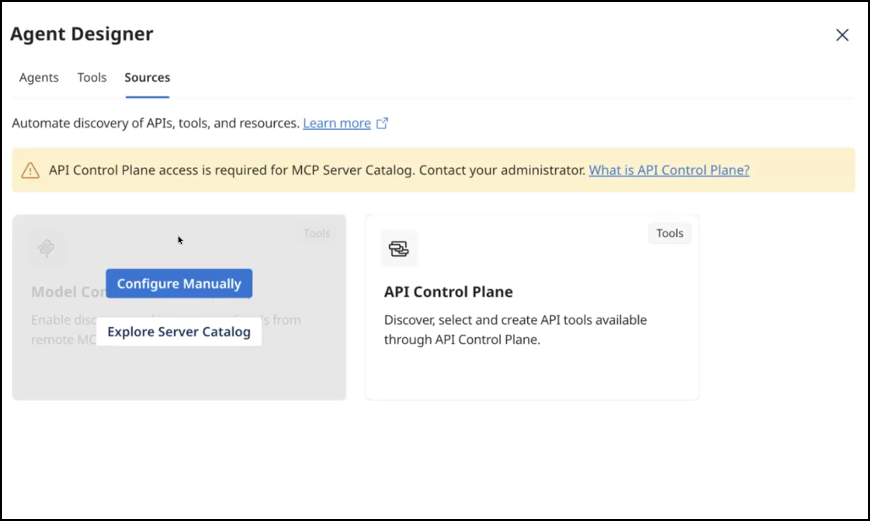
You can explore MCP servers that exist in the MCP Registry and use them in Agentstudio. In Agent Designer, you can browse and add MCP sources from the MCP Registry that contain pre-populated configuration details.
-
From Agent Designer MCP Sources, select Explore Server Catalog.
-
Select any tile for information about an MCP Server.